


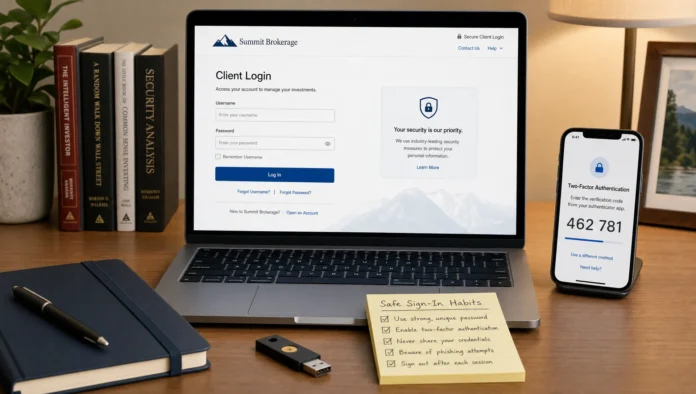
A stock market sign in portal is more than a doorway to charts and balances. It can also be a doorway to your money, personal identity, tax documents, bank links, and trading history. That makes safe access habits just as important as knowing how to read a stock chart or build a portfolio.
Whether you use a brokerage website, a mobile trading app, an exchange account, a retirement plan portal, or a market research platform, the same principle applies: slow down before you sign in. Most account compromises begin with small mistakes, such as reusing a password, trusting a fake link, ignoring login alerts, or accessing an account from an unsafe device.
This guide explains how to use stock market sign in portals safely, with practical steps you can apply today.
What Counts as a Stock Market Sign In Portal?
A stock market sign in portal is any online account area where you access investment-related information or services. That can include your brokerage dashboard, portfolio tracker, trading app, retirement account, dividend reinvestment account, research subscription, or financial education membership.
These portals vary in risk. A free education site may only store your email address and reading preferences, while a brokerage portal may allow trades, withdrawals, personal data updates, and linked bank transfers. The more sensitive the account, the stricter your security habits should be.
If you are new to online investing, it also helps to build a broader safety mindset around digital investing. Greek Shares has covered related risks in its guide to investors and internet fraud, which is worth keeping in mind whenever money and login credentials meet online.
Start With the Correct Website or App
Many attacks happen before the password is even entered. Scammers create fake websites that look almost identical to legitimate brokerage or market data portals. They may use sponsored ads, typo domains, fake emails, or urgent text messages to push investors toward a counterfeit sign in page.
The safest habit is to avoid signing in from links in emails, social media posts, search ads, or text messages. Instead, type the known website address directly into your browser or use a saved bookmark that you created yourself after verifying the correct URL.
For mobile apps, only download from the official Apple App Store or Google Play Store, and confirm the developer name before installing. Fake trading apps can mimic branding, reviews, and screenshots. If an app asks for unusual permissions, such as access to contacts or SMS messages when it does not clearly need them, treat that as a warning sign.
You can also verify financial firms through official regulatory tools. For example, U.S. investors can use FINRA BrokerCheck to research brokers and brokerage firms. Investors outside the United States should check the relevant regulator in their own country.
Use Strong, Unique Credentials
Your investment password should never be reused anywhere else. If you use the same password for a stock market sign in portal and a shopping site, a breach at the shopping site could give attackers access to your brokerage account.
A strong investment account password should be long, unique, and hard to guess. In practice, that usually means using a reputable password manager rather than trying to memorize dozens of complex passwords. A password manager can create and store unique passwords for each account, and it can help you notice when you are on the wrong domain because it will not autofill on a fake website.
Avoid passwords based on your name, birth year, favorite team, company ticker symbols, or common investing phrases. Attackers often test predictable patterns, especially when they already have some of your personal information from public profiles or data breaches.
If your portal supports passkeys, they can be a strong option because they are designed to reduce phishing risk. If not, a long unique password plus multi-factor authentication is still a major improvement over password-only access.
Turn On Multi-Factor Authentication
Multi-factor authentication, often called MFA or 2FA, requires something beyond your password before access is granted. This might be an authenticator app code, a push approval, a hardware security key, or a biometric confirmation.
For financial accounts, MFA should be considered essential. According to CISA guidance on multi-factor authentication, MFA makes it much harder for attackers to access accounts even if they obtain a password.
Not all MFA methods are equal. SMS codes are better than having no second factor, but they can be vulnerable to SIM swap attacks, phone number hijacking, and phishing. Authenticator apps are generally stronger, and hardware security keys can be stronger still for high-value accounts.
If your brokerage offers multiple MFA options, choose the strongest one you can realistically use consistently. Also store recovery codes in a safe offline location. Recovery codes should not be saved in your email inbox or an unprotected notes app.
Recognize Phishing Before You Sign In
Phishing is one of the most common ways attackers steal login credentials. A phishing message may claim your account is locked, your tax form is ready, a withdrawal needs approval, or your portfolio has triggered an urgent alert. The goal is to create emotion first, then get you to act before you think.
The FTC's phishing guidance recommends looking carefully at unexpected messages, avoiding links or attachments from suspicious senders, and contacting companies through verified channels instead of replying directly.
Here are common warning signs:
- The message pressures you to act immediately or threatens account closure.
- The sender address is slightly misspelled or does not match the company domain.
- The link text looks legitimate, but the actual destination is different.
- The page asks for more information than usual, such as your full Social Security number, card PIN, or recovery codes.
- The message contains poor formatting, strange wording, or unexpected attachments.
A legitimate firm may ask you to verify identity in certain situations, but you should still navigate to the portal independently instead of following an unexpected link. When in doubt, use the official phone number or secure message center listed on the firm's verified website.
Check the Portal Before Entering Credentials
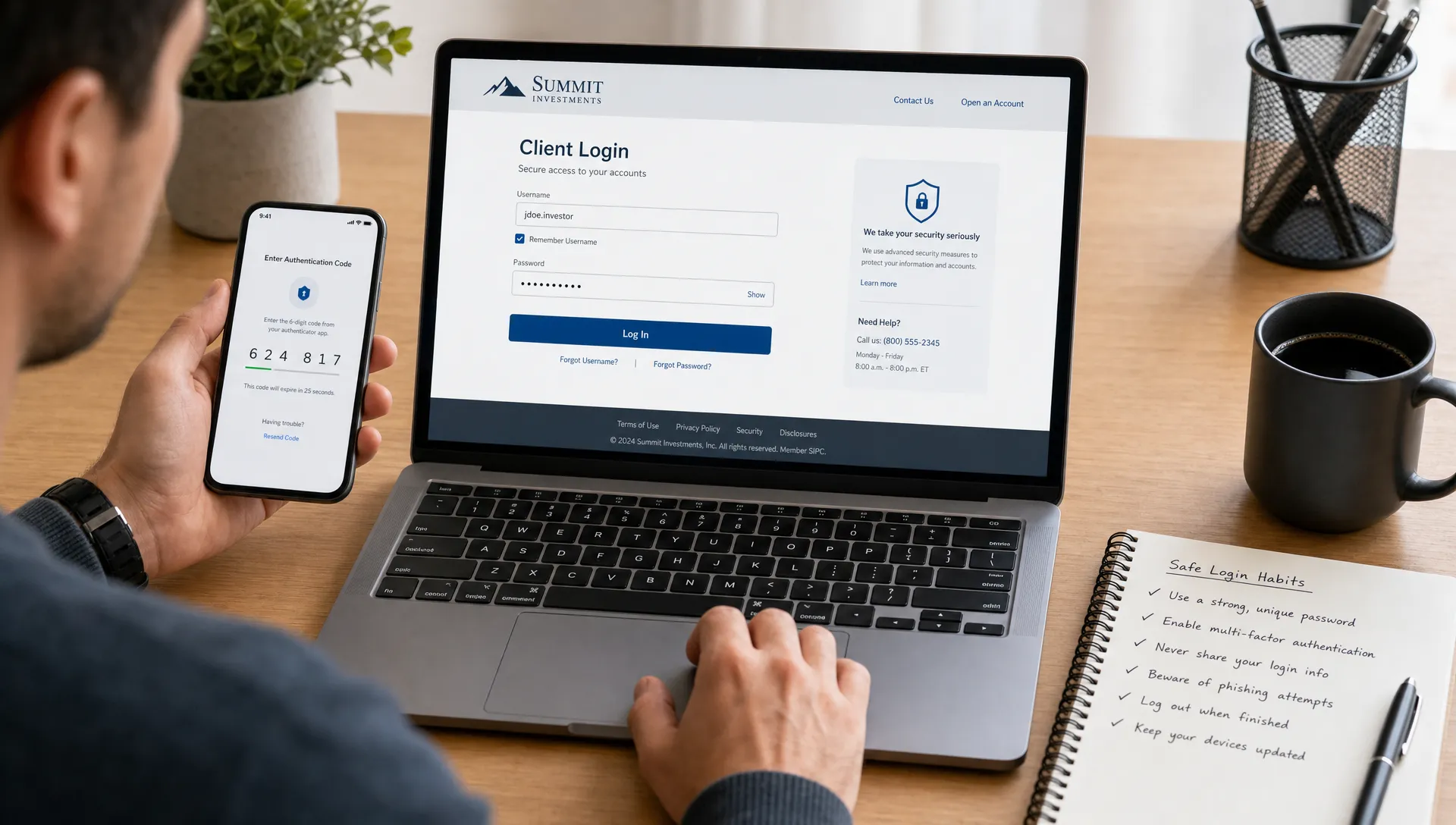
Before typing your username and password, pause for a quick inspection. This takes only a few seconds and can prevent serious problems.
| What to check | Why it matters | Safer habit |
|---|---|---|
| Website address | Fake domains often use small spelling changes | Use a trusted bookmark or type the address manually |
| HTTPS lock icon | Encryption helps protect data in transit | Do not sign in on pages that show browser security warnings |
| Autofill behavior | Password managers usually autofill only on the correct domain | Be suspicious if your password manager does not recognize the page |
| Login request source | Emails and ads can lead to fake portals | Access the portal directly, not through unexpected links |
| Information requested | Scammers often ask for excessive data | Never provide MFA codes, recovery codes, or full credentials to support agents |
A secure-looking page is not automatically safe. Scammers can also use HTTPS certificates. The lock icon means the connection is encrypted, not that the business behind the website is legitimate. That is why checking the domain itself is so important.
Secure the Device You Use for Investing
A strong password cannot protect you if the device itself is compromised. Malware, keyloggers, malicious browser extensions, and outdated software can expose your credentials even when you type them on the correct website.
Use a device you control and keep it updated. Install operating system updates, browser updates, and security patches promptly. Remove browser extensions you do not use, especially those that can read or modify website data. Avoid installing unknown trading tools, cracked software, or files from investing forums.
Public or shared computers are a poor choice for investment accounts. If you must use one in an emergency, never save passwords, always sign out, and clear the browser session afterward. Still, the better solution is to wait until you can access your account from a trusted device.
Mobile devices need the same care. Use a screen lock, keep the phone updated, avoid sideloaded apps, and be cautious with apps that request broad permissions. If your phone is lost, your investment accounts should not be one tap away.
Be Careful With Public Wi-Fi
Public Wi-Fi in airports, hotels, cafes, and conference centers is convenient, but it adds risk. Attackers may create lookalike networks, monitor unencrypted traffic, or attempt to redirect users to fake pages.
If you need to access a stock market sign in portal while traveling, mobile data is often safer than public Wi-Fi. If you must use public Wi-Fi, use a trusted VPN, confirm the exact network name with the venue, and avoid making sensitive account changes such as adding bank details or changing withdrawal settings.
Also watch for shoulder surfing. Investment portals can display balances, account numbers, tax forms, positions, and personal details. Use privacy awareness in public spaces, not just digital security tools.
Set Alerts and Review Activity
Security is not only about preventing unauthorized access. It is also about detecting suspicious activity quickly.
Most financial portals allow some form of account alert. The exact options vary, but useful alerts may include sign in notifications, password changes, new device access, trade confirmations, bank link changes, withdrawal requests, profile updates, and failed login attempts.
Turn on the alerts that matter most, and make sure they go to an email address and phone number you actively monitor. If your email account is compromised, attackers may be able to hide brokerage alerts, so your email security matters too.
Review account activity regularly. Look for unfamiliar devices, unknown sessions, changed contact details, unexpected trades, or small test transfers. Criminals sometimes make minor changes first to test whether an account is being monitored.
Protect Yourself From Bad Decisions After Login
Safe portal use is not only technical. Once you are signed in, you also need to avoid rushed financial decisions. Fraudsters often combine stolen trust with emotional pressure. They may tell you to buy a specific stock, move funds quickly, send crypto, or share screen access with a so-called expert.
This connects directly to a core investing principle: do not act on hype, pressure, or anonymous tips. Greek Shares discusses this mindset in Stock Markets … Never Invest on Tips!, and the same caution applies inside online portals. Your account access gives you power, but it also makes impulsive decisions easier.
Stress can also weaken judgment. If market volatility, account problems, or financial pressure are affecting your health, it is worth stepping back and seeking support. For some people, resources such as personalized stress and burnout support can be part of a healthier decision-making environment, especially when emotions are interfering with daily life.
Before placing a trade or approving a transfer, ask whether you understand the action, the risk, the cost, and the reason. If the only reason is urgency, fear, or someone else's pressure, pause.
Know What to Do If Something Looks Wrong
If you suspect that a stock market sign in portal, email, app, or account session is suspicious, do not continue entering information. Close the page and go directly to the official website or app from a trusted source.
If you believe your account may be compromised, act quickly:
- Change your password from a trusted device.
- Revoke unknown devices or active sessions if the portal allows it.
- Contact the brokerage or platform through verified support channels.
- Review recent trades, transfers, bank links, and profile changes.
- Change the password for your email account and enable MFA there too.
- Report phishing messages to the company being impersonated and to relevant authorities.
If money has moved, contact your financial institution immediately. Speed matters. Keep records of messages, screenshots, transaction IDs, IP alerts, and support conversations.
You may also need to place fraud alerts or take identity protection steps if sensitive personal information was exposed. The correct response depends on what was compromised, so follow guidance from your financial institution and relevant regulator.
Build a Repeatable Safe Sign In Routine
The best security habits are simple enough to repeat. You do not need to become a cybersecurity expert to protect your investment accounts. You need a consistent routine.
A practical routine looks like this: use a trusted device, open the portal from a bookmark, confirm the domain, let your password manager autofill, approve MFA only when you initiated the login, review alerts, and sign out when finished.
This routine becomes especially important if you trade or monitor markets frequently. Online access is useful, but speed should not replace caution. If you want to improve your overall investing process, Greek Shares also explains how preparation and risk control help investors approach the stock market with confidence.
Safe access habits protect your account. Sound investing habits protect your capital. You need both.
Frequently Asked Questions
What is the safest way to access a stock market sign in portal? The safest method is to use a trusted device, open the portal from a verified bookmark or manually typed URL, use a unique password, and enable multi-factor authentication.
Is it safe to sign in to a brokerage account from public Wi-Fi? It is better to avoid public Wi-Fi for investment accounts. If access is necessary, use mobile data or a trusted VPN and avoid changing sensitive account settings.
Should I use SMS codes for investment account security? SMS codes are better than no MFA, but authenticator apps or hardware security keys are generally stronger when available.
How can I tell if a stock market login page is fake? Check the domain carefully, avoid links from unexpected messages, look for unusual information requests, and use a password manager. If the manager does not autofill, you may be on the wrong site.
What should I do if I entered my password on a fake portal? Immediately change the password from a trusted device, enable or reset MFA, contact the platform, review account activity, secure your email, and report the phishing attempt.
Keep Learning Before You Log In
Using stock market sign in portals safely is part of becoming a disciplined investor. Protect your passwords, verify every portal, avoid emotional decisions, and monitor your account activity regularly.
Greek Shares publishes investing education, market guides, and risk awareness resources to help readers make more informed decisions. Continue building your knowledge before your next login, because in investing, security and education work best together.